
Android App Development Services
From design to development, testing, and support, we deliver full-cycle Android app development services to build new apps or migrate your existing iOS app to Android.
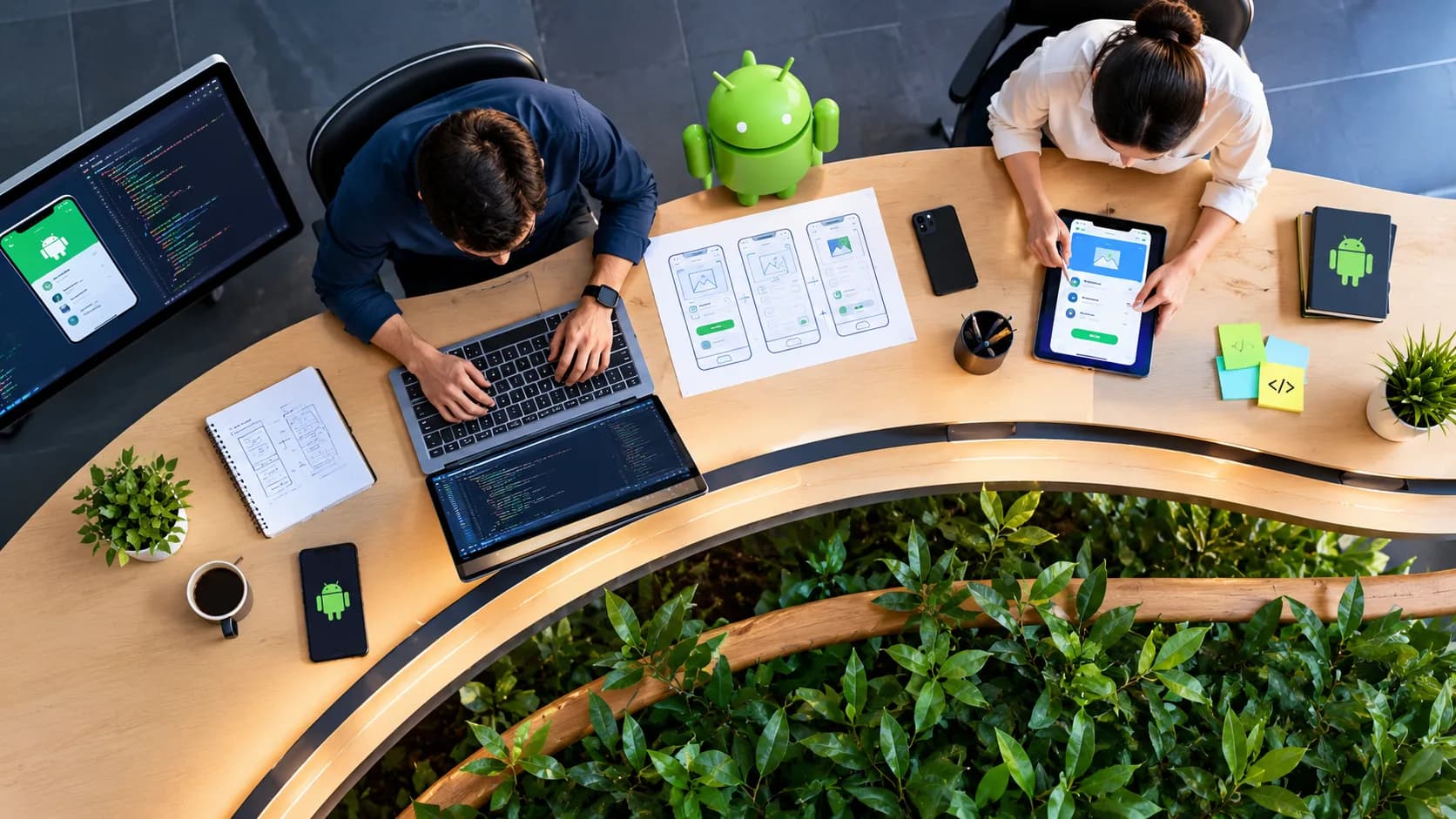
When Android native is the right call — and when it isn't
Choose native Android when your user base is predominantly Android, which is most of India, much of Southeast Asia, and a meaningful share of any global consumer product; when the app needs deep integration with Android-specific features like widgets, background services, or hardware sensors; or when performance on lower-end devices is a hard requirement, since native code gives you the most control over memory and battery use. Kotlin also gives direct access to new Android OS features the day they ship, without waiting for a cross-platform framework to catch up.
Native Android is the wrong call if your user base is split close to evenly between Android and iOS and your budget cannot support two separate native builds — in that case Flutter or React Native will get you to both stores faster and cheaper, with a small trade-off in how deep you can go on device-specific features. It is also the wrong call if you are validating a product idea and need to launch quickly on a limited budget — an MVP usually does better starting cross-platform, or even as a responsive web app, before committing to native. If most of your target users are on iPhones, start on iOS development instead; building Android first for an iOS-majority audience is a common and avoidable mistake.
Android App Development Services We Offer
Android Mobile App Development
Our in-depth understanding of the Android ecosystem enables us to build customer-centric, feature-rich native mobile apps. We practice clean code best practices to develop apps with engaging UX/UI. We have a proficient team to help you develop web-based Android applications that are easy to install, manage, and highly reliable. By leveraging lightweight frameworks like Android WebView, our developers offer flexible applications that support your business growth. We offer a comprehensive set of porting services for your applications that are in line with industry standards and best practices. This includes iOS-to-Android porting, cross-platform porting, Hybrid to Native app conversion, intra-porting, data archiving & migration.
Android Wearable App Development
We build custom Android wearable applications with modern features and smooth device integration. Our services cover UI/UX design, device app development, backend/API development, multi-platform integration, deployment, and more, serving industries like fitness, gaming, retail, travel, and utilities.
Android App UI/UX Design
Our team of specialist app designers utilizes Android’s platform versatility to create functional designs. We have the right understanding & familiarity with creating UI/UX architecture for all the major Android devices (mobile & tablet). This is from the perspective of glanceability, context, and a minimalistic interface. With intuitive user interfaces backed by cleverly engineered code, our Android development services include engaging & interactive experiences.
Android App Testing QA
Our quality assurance & testing team ensures that your app is free from errors, bugs & glitches. We offer automated testing with a dedicated test automation framework. We work with a varied set of test scenarios to validate how the app performs in different circumstances. Our team conducts periodic code audits to review and analyze code quality to ensure consistent app performance with the required speed & stability. We utilize popular testing tools like Appium Studio, Selenium, Cucumber, and more.
App Support and Maintenance
As a reputed Android development company, we offer support & maintenance services that help you increase app efficiency, reduce system downtime, and extend its lifecycle. Our scope of services covers app monitoring, app upgrades (support for new library versions, improving the app interface & interactions), new feature implementation, code maintenance, data migration & app maintenance (migration script & backend server modification).
Why Choose our Android App Development Services?
As one of the most popular operating systems, Android-based apps are in high demand. Our streamlined process allows us to build custom Android apps that scale quickly while fulfilling the niche of your application specifications.
Experienced Development Team
Our developers have the maturity, experience & familiarity with the concept of predictable navigation and integrate components into your app. This results in optimal results and appreciation once your app goes live on the Google Play Store.
Transparent Agile Processes
Our Android app development services are aligned with your technology goals & timelines. We track the process with our advanced quality management systems, backed by ISO certifications and KPI reporting tools, to offer 100% transparency.
Google Play Store Deployment
Our skilled developers work with you throughout the entire app submission process by providing recommendations in line with Google quality guidelines that include listing descriptions, assets, and more.
Technology Expertise
Our developers utilize the best & latest Android frameworks and libraries to build custom Android apps. We produce high-quality & clean code by following global best practices.
What's not included
Android development does not include iOS builds (see iOS development), a shared codebase across both platforms (see Flutter or React Native), Play Store advertising or app store optimisation copywriting (see digital marketing), or the Google Play Developer account fee, which Google bills to you directly.
How we build an Android app
Discovery maps your core user flows, offline requirements, and target device range, ending in a fixed-scope document — the same first stage behind every project under mobile app development. Design produces wireframes and a Material Design-aligned prototype before development starts. Build runs in two-week sprints against real devices pulled from our test matrix, not simulators alone, so battery drain and performance issues surface while they are still cheap to fix. Testing and store submission close out the engagement, and we handle Play Store review directly.
What does an Android app cost?
Android projects start at ₹2,80,000 / $3,400 and typically run 10 to 18 weeks. What moves the price: the number of screens, whether the app needs offline sync, and how many hardware integrations or third-party APIs it touches. Full engagement models are on the pricing page.
Why build native Android instead of a cross-platform app?
Native Android gives you the closest match to platform conventions, the fastest access to new OS features, and the best performance on the low and mid-range devices that make up most of Android's install base. The cost is a separate codebase from any iOS app you build later. If your app leans heavily on Android-specific capabilities or must run well on budget hardware, that trade-off is usually worth it.
Do you test on real devices or just an emulator?
Real devices. Emulators catch obvious logic bugs but miss battery drain, camera behaviour, and performance on weaker chipsets — the problems that actually generate one-star reviews. We maintain a device matrix covering popular Android manufacturers and screen sizes and test every release against it before submission.
Can you take over an existing Android app built by another team?
Yes. We start with a technical audit — Kotlin or Java, dependency health, crash rate, and code structure — before quoting further work, so you know what you are inheriting rather than paying for a rewrite you may not need.
Frequently asked questions
Yes, every Android project ends with a support agreement, not a handover email. That includes crash monitoring, scheduled updates for new Android OS versions, and named response times, with an option to add an ongoing sprint allocation for new features as the app grows.
Yes, we can. Migrating your iOS or web application to Android can be a hassle-free process if executed with proper planning. Our Android app development services offer full-stack capabilities to recreate a UI that complements your brand systematically. Also, we provide API services for data transfer from the database to the front end, avoiding any scope for data redundancy.
Native apps are developed exclusively for a specific platform like Android. Whereas cross-platform apps are compatible with running across all platforms like iOS, Android, and Windows. Both native and cross-platform applications could be built according to your needs, as listed below;
Native Apps:
- If you need higher performance for your application
- If you need to build an app for one specific platform
- If you would like to have more room for scalability in the future (same platform)
Cross-Platform Apps:
- If budget is of significant importance
- If you need to go to market fast (provides reusable code)
- If you need to have the app for multiple devices/platforms
We provide end-to-end Android mobile application development services for both native & cross-platform apps. Connect with us for more information.
As an Android development company with extensive experience across industries, we can help you develop many types of Android applications, such as:
- Business Apps
- eCommerce Apps
- Finance Apps
- Field Service Apps
- Healthcare Apps
- System Apps
- Media/Entertainment Apps
- And much more.
Listed below is our Android app development process;
- Getting a thorough understanding of your business model and unique technology requirements.
Building a roadmap to build a custom Android-based IT solution based on your needs & feedback. - Creating a functional design, blueprint structure & wireframe for each screen.
- Designing the layout of each section and coding the application. Getting your feedback & making necessary iterations.
- Testing the app & getting final approval from you.
Deploying the app on the Google Play Store & making it available to your users. - Post-launch maintenance & support.
As a full-cycle Android application development company, we provide complete post-launch maintenance & support to all our customers. As part of this, we support them with design & version updates, UAT, and other enhancements. Our development team offers the same level of dedicated support that it provides during the app creation phase.
How do you handle the wide range of Android device fragmentation?
We define a target device tier during discovery based on your actual user analytics where available, then test against representative hardware in that tier rather than every device on the market. Performance budgets — load time, memory ceiling — are set for the lowest tier you need to support, and we test against that ceiling throughout the build, not just before launch, a discipline our mobile engineering lead enforces across every Android project regardless of client size. For businesses specifically in Delhi NCR, this device-range planning matters even more than average — see mobile app development company in Delhi for the specific device profile we test against in that market.